
Download Where's My Computer Gone – Free 8‑Bit Platformer Game
Game Overview
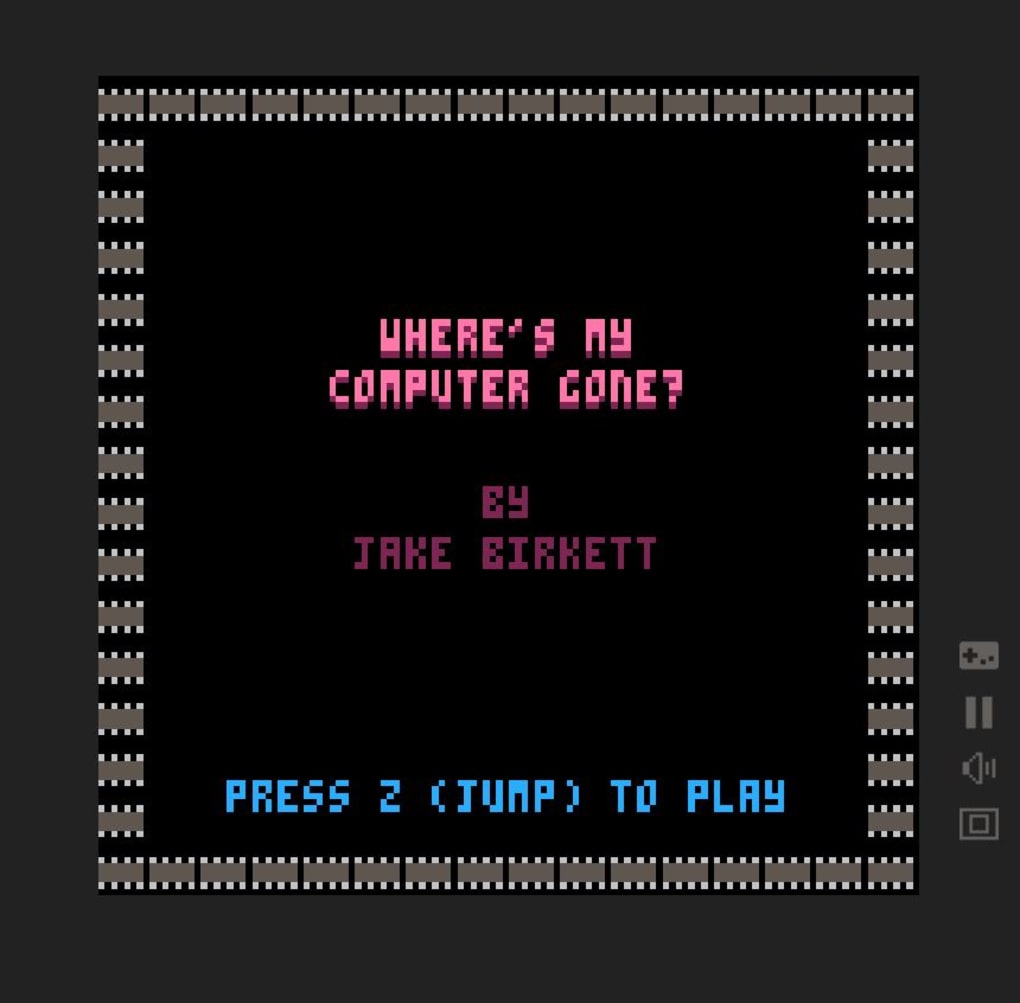
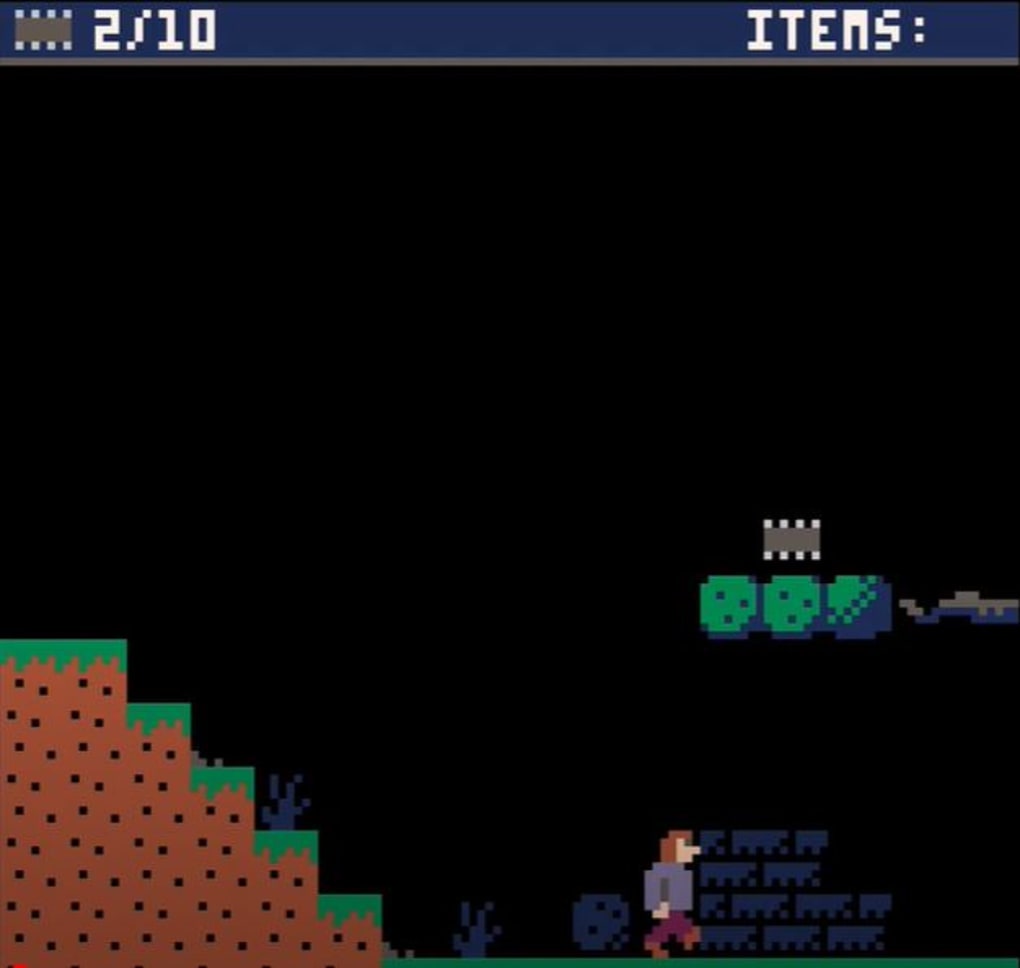
Where’s My Computer Gone? is a free‑to‑play browser‑based platformer created by indie studio Grey Alien Games. The premise is simple yet charming: your trusty computer has vanished somewhere in a whimsical forest, and you must guide a pixel‑perfect hero through a series of 2‑D levels to retrieve it. The adventure revolves around collecting scattered microchips and locating a hidden key that unlocks the door to the missing device.
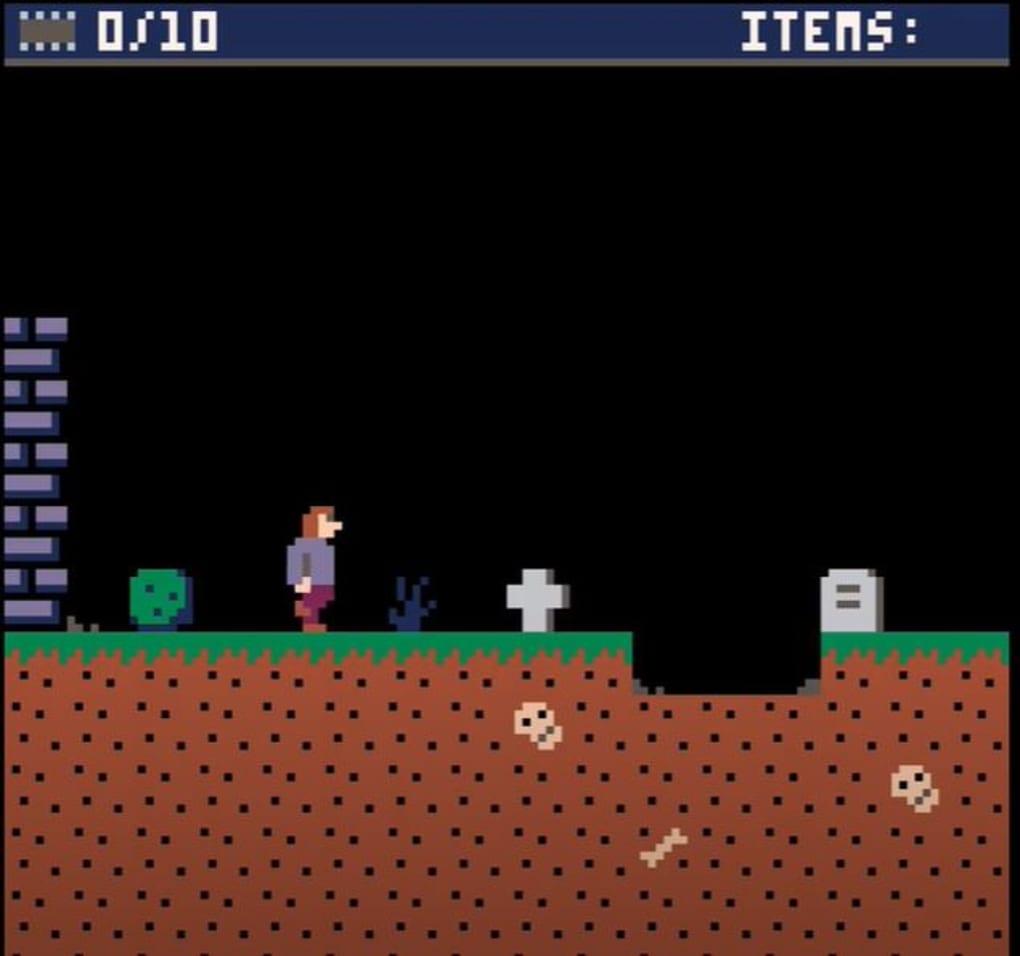
Although the game draws heavy inspiration from classic 8‑bit titles, it offers a fresh, nostalgic feel with bright pixel art, snappy physics, and responsive controls. Each stage is designed to be completed in a single sitting, making it an ideal pick‑up‑and‑play experience for both casual gamers and retro‑platformer enthusiasts. While the difficulty curve stays gentle and the level variety modest, the short runtime ensures you won’t waste time wandering through endless corridors.
The game’s primary appeal lies in its retro aesthetic, straightforward mechanics, and the sheer satisfaction of completing each level in one go. If you’re looking for a quick, non‑violent gaming session that evokes the golden age of platformers, Where’s My Computer Gone? delivers exactly that, all within the comfort of your web browser.
Key Features
- Free browser‑based platformer – no download required.
- Classic 8‑bit pixel art reminiscent of early console games.
- Simple keyboard controls (arrow keys + Z for jump) and optional joystick support.
- Customizable key bindings to suit individual play styles.
- Collectible microchips and hidden keys add a light puzzle element.
- Short, bite‑size levels that can be finished in under ten minutes each.
- Responsive physics engine providing smooth jumps and movement.
- Non‑violent gameplay suitable for all ages.
- Leaderboard‑style time tracking for speed‑run enthusiasts.
- Instant loading – start playing within seconds of opening the page.
Gameplay, Compatibility & What Players Like (or Don’t Like)
How to Play
The controls are deliberately minimalistic to capture that retro feel. Use the left and right arrow keys (or A/D on a keyboard) to move your character across the platforming terrain. Jump with the up arrow or the Z key—both work interchangeably, giving you flexibility if you’re accustomed to different layouts.
For console‑style gamers, the game also recognizes standard joystick inputs, and you can remap any action through the in‑game settings menu. Each level requires you to gather all visible microchips; once collected, a key appears somewhere in the stage. Locate the key, head to the locked door, and press the interaction button to reveal a short cutscene that shows your computer being recovered.
The physics are tight: jumps feel weighty enough to matter, yet forgiving enough that a single mistimed press won’t punish you harshly.
Compatibility
Since Where’s My Computer Gone? runs entirely in the browser, it works on any modern operating system that supports HTML5. Tested platforms include Windows 10/11, macOS Monterey and later, Linux distributions with recent browsers, as well as mobile browsers on Android 9+ and iOS 13+. The game performs best on desktop browsers such as Chrome, Firefox, Edge, and Safari, but it also scales down nicely for tablet screens, preserving the pixel‑perfect look without sacrificing responsiveness.
Pros
- Zero cost – truly free and instantly accessible.
- Retro 8‑bit graphics that evoke nostalgia.
- Very easy to learn controls, perfect for beginners.
- Quick session length; you can finish a level in minutes.
- Customizable key bindings and joystick support.
Cons
- Limited level variety; stages feel repetitive after a few rounds.
- Low difficulty may not satisfy hardcore platformer fans.
- Short overall playtime reduces replay value beyond speed‑run attempts.
- No story depth or dialogue—purely mechanical.
- Absence of power‑ups or enemy variety keeps the challenge flat.
Frequently Asked Questions
Is Where’s My Computer Gone? truly free?
Yes, the game is completely free to play in any modern web browser. There are no hidden fees, in‑app purchases, or subscription requirements.
Do I need to download any software or plugins?
No download is necessary. The game runs on HTML5, so as long as your browser is up to date, you can start playing instantly.
Can I play the game on a mobile device?
Yes, the game is responsive and works on Android and iOS browsers, though the experience is optimized for desktop keyboards and joysticks.
Is there a way to track my completion time?
A simple timer appears at the top of each level, recording how fast you finish. You can compare your runs against previous attempts or challenge friends.
Will there be future updates or new levels?
Grey Alien Games has hinted at occasional content drops, but the core game is designed as a short, self‑contained experience.
Final Thoughts & How to Start Playing
Where’s My Computer Gone? delivers a concise, nostalgic platforming session that’s perfect for anyone craving a quick retro fix. Its zero‑cost model, immediate browser access, and easy‑to‑master controls make it an attractive option for students, office workers on a break, or anyone looking to relive the charm of 8‑bit games without the hassle of downloads. While the limited level diversity and low difficulty may leave seasoned platformers wanting more, the game shines as a short, enjoyable distraction.
If you’re ready to embark on a pixel‑filled quest to retrieve a missing computer, simply open your favorite web browser, navigate to the official Grey Alien Games page, and press “Play.” The adventure loads in seconds, and you’ll be hopping across platforms, collecting microchips, and unlocking doors before you know it. So why wait? Start playing now and experience the retro joy of Where’s My Computer Gone? for free!
Pros: Free, instant load, nostalgic graphics, simple controls.
Cons: Short lifespan, minimal challenge, limited replay value.



.png)



